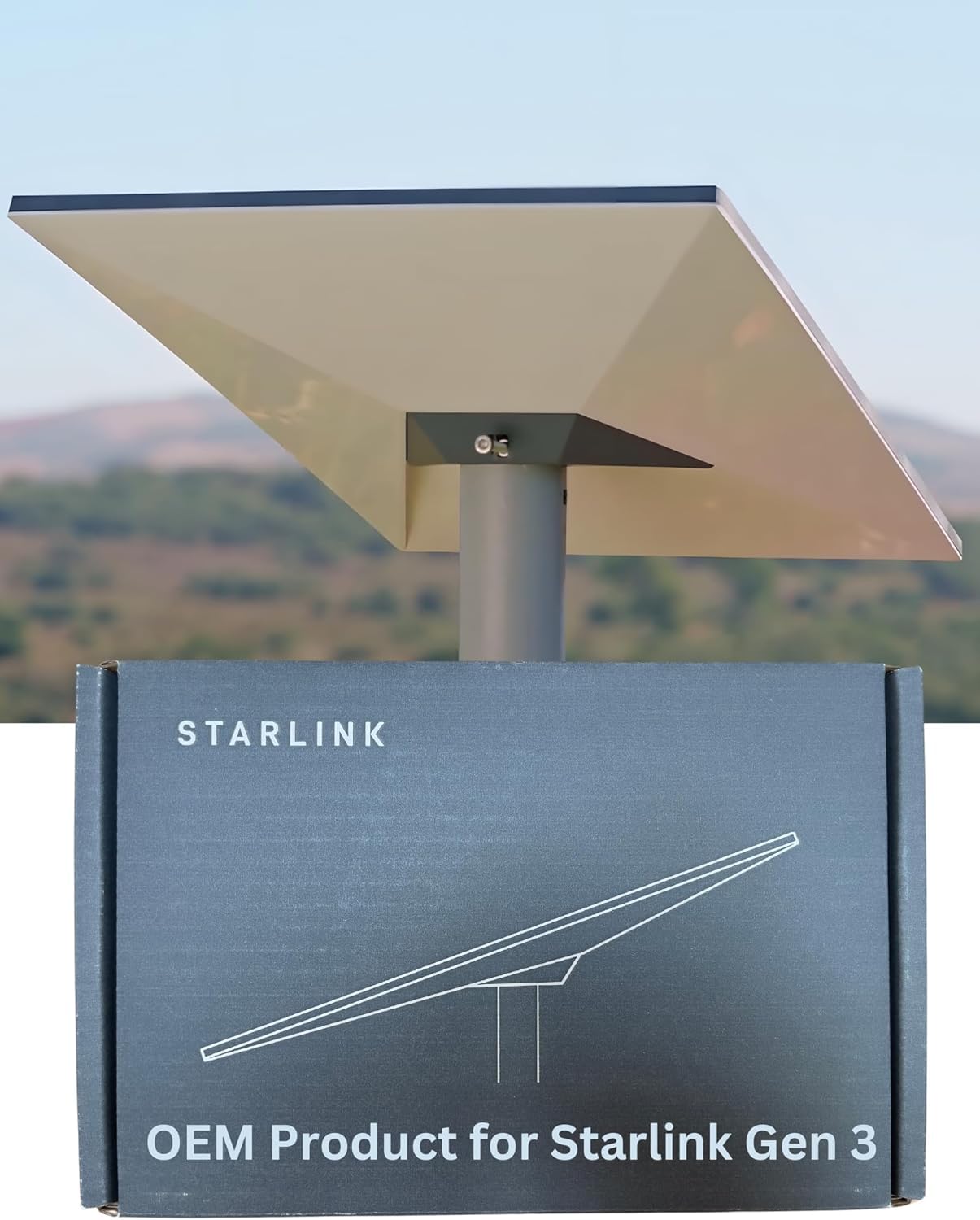
Starlink Kisumu: 7 Smart Setup Wins
Starlink Kisumu matters for lakeside homes, county offices, schools, clinics, hotels, restaurants, traders and SMEs that need reliable internet around the lake region. Buyers may need online learning, cloud records, video calls, bookings, CCTV, payments and guest Wi-Fi in the same location.
Kisumu installations should consider roof line of sight, indoor coverage, power stability and whether the site has multiple buildings. A school, clinic or lakeside business may need more than one access point. Buyers should review Starlink Kenya and Starlink Installation Kenya before choosing hardware.
This Starlink Kisumu guide is written to help a real buyer choose between Starlink Mini, Standard, Gen 3, Enterprise and Flat High-Performance options. External comparison through Starlite Internet Kenya can widen research, but local installation quality decides the final experience.
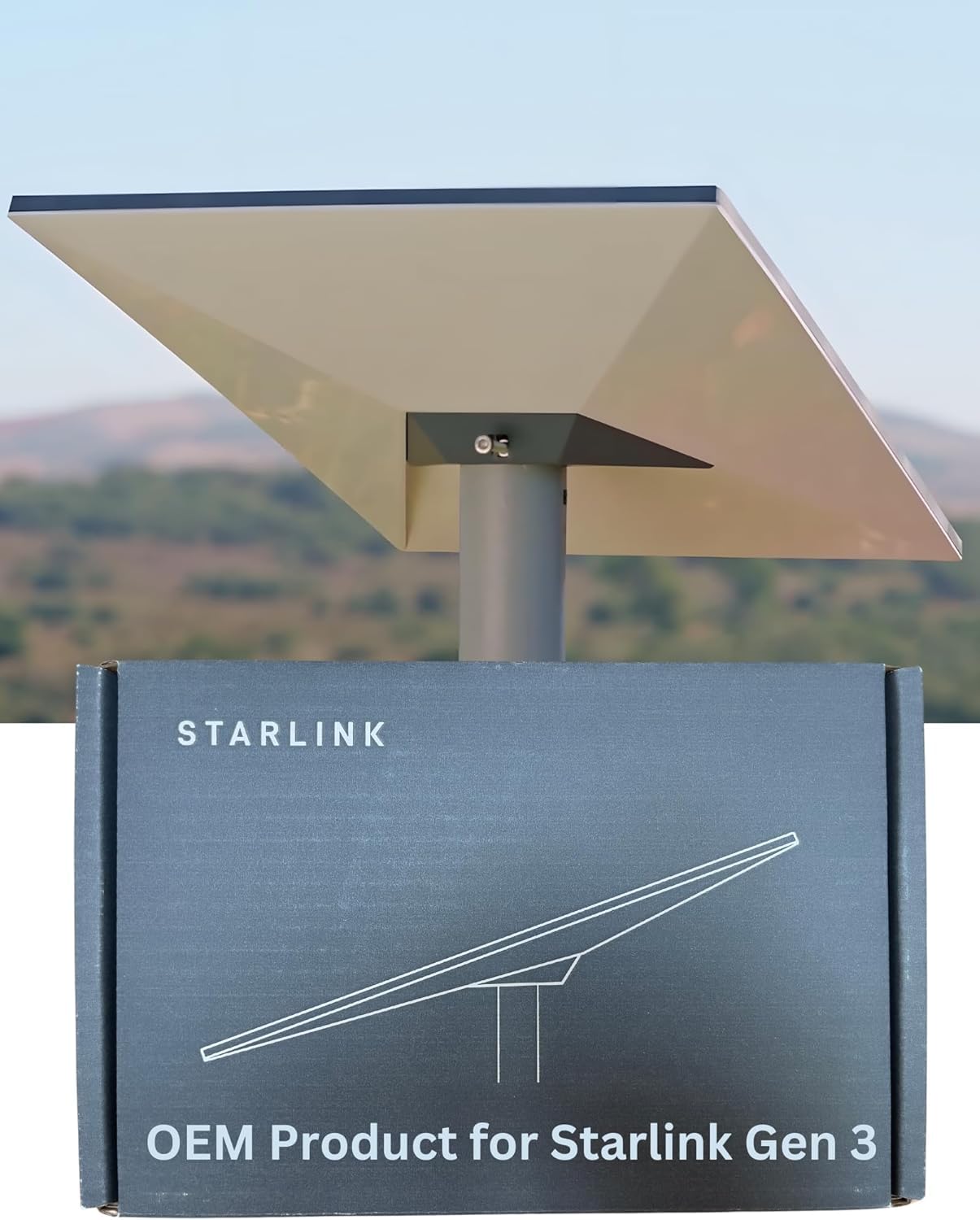
Starlink Kisumu: Lake region connectivity needs
For Starlink Kisumu, buyers often need one connection to serve mixed activities: family use, office work, online learning, guest Wi-Fi, clinic systems, county work or lakeside business operations. The setup must be flexible enough for these overlapping needs.
Kisumu buyers should test coverage inside the actual rooms where people work and learn. A speed test beside the router is not enough.
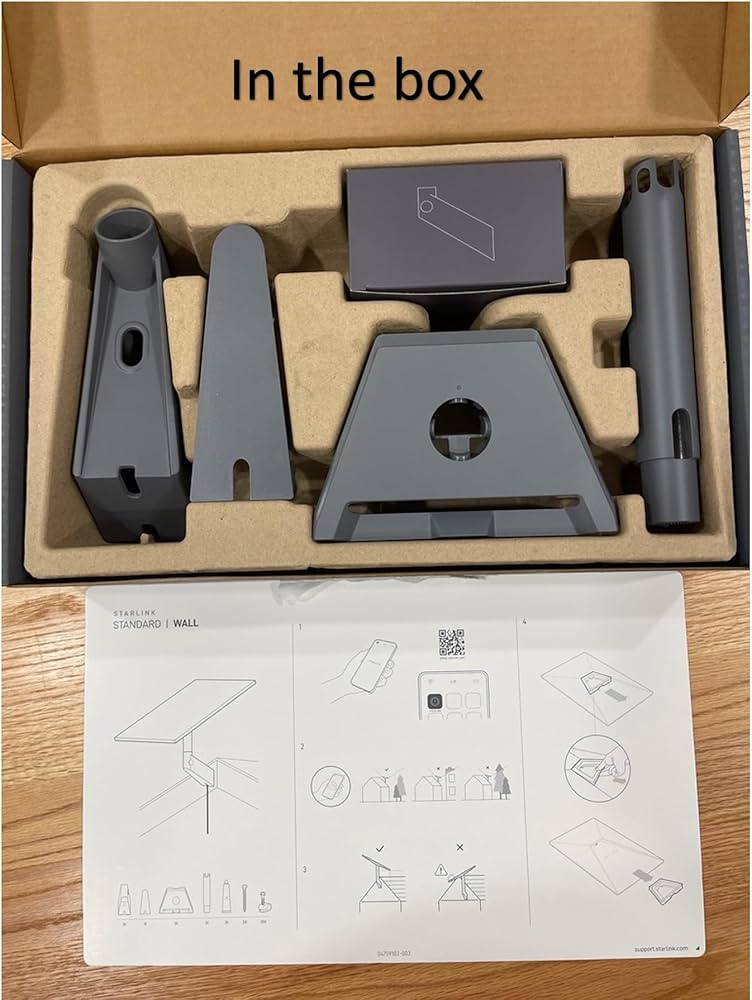
Starlink Kisumu: Schools, clinics and SMEs around Kisumu
Schools may need online learning and administration systems. Clinics may need records, calls and messaging. SMEs may need payments, accounting and customer communication. These are practical needs, not luxury uses.
When Starlink Kisumu is installed with the right kit and local Wi-Fi plan, it can support these everyday operations more reliably.

Starlink Kisumu: kit and price planning
The kit decision for Starlink Kisumu should be made after the buyer describes users, rooms, devices and daily workload. Orbit Internet Kenya lists several Starlink options, so the customer can compare a lighter Mini setup against Standard, Gen 3, Enterprise and High-Performance choices. The right kit is the one that fits the site after installation, not the one with the most attractive label.
Current prices should always be confirmed before payment, but the listed product range helps buyers understand the budget bands. A customer should also ask whether installation, mounts, cable routing, extra Wi-Fi equipment and backup power are included. This makes Starlink Kisumu easier to compare against fiber, 4G and other satellite internet offers.
| Starlink option | Listed price | Best-fit use |
|---|---|---|
| Starlink Mini Kit | KES 30,000 | portable users, small homes, travel, backup internet and light use |
| Starlink Standard Actuated Gen 2 | KES 45,000 | homes, small shops and fixed sites with moderate users |
| Starlink Gen 3 Kit | KES 50,000 | homes, SMEs, schools and daily business internet |
| Starlink Standard Kit V4 | KES 55,000 | stronger residential and office installations |
| Starlink Enterprise Kit | KES 180,000 | hotels, institutions, branches and larger managed networks |
| Starlink Flat High-Performance Kit | KES 250,000 | demanding sites, enterprise users, mobility and remote operations |
Starlink Kisumu: comparison dominance section
The comparison below is designed for buyers who need a practical decision, not a slogan. Starlink Kisumu can mean primary internet, backup internet, portable internet, hotel Wi-Fi, office internet or enterprise redundancy depending on the buyer. Matching the use case to the hardware prevents underbuying and overbuying.
| Choice | Why it matters | Best fit |
|---|---|---|
| Starlink Mini Kit | Portable, lower entry cost, easier for light users | Apartments, small offices, travel and backup use |
| Starlink Gen 3 or Standard Kit V4 | Balanced everyday performance for fixed sites | Kisumu homes, county offices, schools, clinics, lakeside properties, SMEs and traders |
| Enterprise or Flat High-Performance | Better for many users, heavier traffic and demanding sites | Hotels, larger offices, institutions and guest networks |
| Fiber or 4G only | Useful where coverage is excellent | Secondary option when local networks are stable |
For Starlink Kisumu, the best choice is usually the one that balances kit price, installation quality, indoor Wi-Fi coverage and support. A customer should also compare Starlink Kenya Packages with Starlink Kenya Price before making the final order.
Starlink Kisumu: search intent dominance layer
People searching for Starlink Kisumu usually want answers about availability, kit price, package choice, installation, support and whether the connection will work in their specific property. This article answers those points and connects the reader to supporting pages instead of leaving the buyer with generic claims.
For installation details, read Starlink Installation Kenya. For broad service education, review Starlink Internet Kenya. For the main Starlink overview, use Starlink Kenya. Buyers comparing future satellite alternatives can also visit Amazon Leo Internet Kenya.
External comparison can be useful too. Sources such as Starlite Internet Kenya, Starlink Kenya Installers, Amazon Internet Kenya, Spacelink Kenya and Orbitlink Solutions can widen research, but the final choice should depend on the local site and support path.

Starlink Kisumu: implementation depth
Implementation for Starlink Kisumu begins with a site survey. The installer should check clear sky view, mounting strength, cable route, power point, router position and the rooms that need Wi-Fi. This is where many installations succeed or fail. The satellite connection may be strong, but poor indoor Wi-Fi can make the service feel weak.
The next step is testing. A good handover should test video calls, payments, cloud tools, streaming, CCTV or guest Wi-Fi depending on the customer. For Starlink Kisumu, the test should happen where people actually use the internet, not only beside the router. The installer should also explain the network name, password, support contact and renewal expectations.
- Confirm roof, balcony, pole or wall mounting before installation day.
- Choose proper Starlink mounts instead of temporary placement.
- Protect cable routes from water, sharp bends and daily movement.
- Plan mesh Wi-Fi or access points for large or multi-building sites.
- Keep support details and package information available after handover.

Starlink Kisumu: objection handling section
Is Starlink too costly?
Starlink Kisumu can look costly when compared only with a small mobile bundle. A fair comparison includes downtime, failed payments, weak video calls, poor guest Wi-Fi, lost bookings and the cost of waiting for fiber. The right Starlink setup can protect productivity and revenue.
Can I install it myself?
Some users can do a simple setup, but professional installation is better for rooftops, hotels, schools, offices, apartments and remote sites. A technician can choose a safer mount, route the cable cleanly and test the actual rooms that matter.
Which kit should I choose?
Mini works for light and portable use. Standard Kit V4 or Gen 3 fits many homes and SMEs. Enterprise and Flat High-Performance kits are better for heavy users, hotels, institutions and demanding business sites.
Will one router cover everything?
Sometimes yes, but large buildings, thick walls, separate blocks and guest areas often need mesh Wi-Fi, access points or cabling. The dish brings internet to the property; the local network spreads it properly.
What should I ask before paying?
Before ordering Starlink Kisumu, ask about current kit price, monthly package, installation cost, mounting accessories, Wi-Fi coverage, backup power and after-sales support. That conversation prevents surprises.
Starlink Kisumu: decision CTA architecture
To move forward with Starlink Kisumu, prepare your location, building type, number of users, critical devices and budget. Then contact Orbit Internet Kenya on +254 741446150 or use the website’s Shop and Talk to an Expert options. Ask for the right Starlink kit, installation advice and any accessories needed for a clean setup.
The best decision path is simple: identify the site, choose the correct kit, confirm price and package, plan installation, test Wi-Fi coverage and keep support details after handover. That path makes Starlink Kisumu a practical connectivity project instead of a rushed equipment purchase.
- State whether the site is a home, business, school, hotel, farm, clinic or institution.
- List the devices and rooms that need internet.
- Confirm kit price, monthly package and installation cost.
- Ask whether mounts, cables, access points or backup power are needed.
- Request a clear handover after installation.
FAQ About Starlink Kisumu
Where can I order Starlink Kisumu?
You can start with Orbit Internet Kenya because the site sells Starlink kits, accessories and installation support. Before paying, confirm current stock, kit price, package expectations and whether the quote includes installation or only the hardware.
What is the best kit for Starlink Kisumu?
The best kit depends on workload. Mini is lighter and portable. Standard Kit V4 and Gen 3 are strong for homes and SMEs. Enterprise and Flat High-Performance kits are better for hotels, institutions, large offices and high-demand users.
Does Starlink Kisumu need professional installation?
Professional installation is recommended when roof access is difficult, the property is large, the cable route is exposed or several rooms need reliable Wi-Fi. It protects the kit and improves the final user experience.
Can Starlink Kisumu support business use?
Yes, when the setup is planned properly. Payment terminals, CCTV, guest Wi-Fi, video calls, cloud software and booking systems should be tested after installation. Business users may also need network separation and backup power.
How do I compare Starlink Kisumu with fiber or 4G?
Compare uptime, coverage, support, installation speed, monthly cost and the real cost of downtime. Fiber can be excellent where stable. 4G can be useful for light use. Starlink is strong where terrestrial networks are weak or unreliable.
Final thoughts on Starlink Kisumu
Starlink Kisumu makes the most sense when the buyer treats it as a complete setup: Starlink kit, mounting, cable route, router placement, package choice, Wi-Fi coverage and support. The hardware matters, but installation quality decides how the service feels every day.
Orbit Internet Kenya is a Starlink selling and installation website, so the content should help a real customer choose between Mini, Standard, Gen 3, Enterprise and Flat High-Performance options. The best recommendation is the one that fits the building, users, critical devices and budget.
If you are ready to proceed with Starlink Kisumu, gather your site details and speak to the team before paying. A short planning conversation can prevent the wrong kit, weak Wi-Fi, missing accessories or unclear support. That is how Starlink becomes reliable internet rather than just another product box.
Starlink Kisumu: Extra practical guidance for this buyer
Lake region user needs
Kisumu buyers often need internet for mixed daily use. A home may need schoolwork and work calls. A clinic may need records and messaging. A restaurant may need payments and guest Wi-Fi. A county office may need stable communication and cloud systems. Starlink Kisumu should be planned around these real tasks instead of treated as a generic router purchase.
Schools and clinics
Schools and clinics around Kisumu should think beyond one speed test. Classrooms, offices, reception desks and staff rooms may sit in different parts of the property. A proper setup should test each important area and recommend access points where needed. Starlink Kisumu becomes more useful when the local Wi-Fi network matches the way the institution operates.
SME reliability
Small businesses need reliable payments, social media communication, stock systems, CCTV and customer service. When mobile networks slow down or fiber is unavailable, Starlink can provide a stronger option. The buyer should explain operating hours, connected devices and whether customers will also use Wi-Fi before choosing the kit.
Starlink Kisumu: Final site-specific recommendations
Starlink Kisumu buyers often need internet that supports several roles at once. A family home may also run a small business. A school may need administration and learning access. A clinic may need patient records and communication. A lakeside restaurant may need bookings, payments and guest Wi-Fi. The best Starlink setup should be chosen after these daily uses are named clearly.
Installation around Kisumu should consider building layout and power. Some properties have separate blocks or outdoor spaces where customers, students or staff need connectivity. The installer should test more than one room and recommend access points if needed. A good Starlink Kisumu installation should make the connection useful where people actually sit, work, learn or serve customers.
For SMEs, Starlink can reduce dependence on congested mobile data or unreliable wired options. The business owner should list critical devices such as tills, CCTV, laptops, phones and cloud systems. That list helps decide whether Mini, Standard, Gen 3 or Enterprise hardware makes sense. A careful choice prevents underbuying and keeps the connection practical after the first week.
Starlink Kisumu: Final buyer accuracy note
A final Kisumu recommendation is to match the setup to the way the property earns, teaches or serves. A school should test classrooms and administration. A clinic should test reception and records areas. A trader should test payment points and customer communication. A home should test work areas and entertainment spaces. Starlink Kisumu becomes more valuable when the buyer connects the hardware decision to these daily activities instead of treating every site as a simple one-room installation.
Starlink Kisumu: Final operational note
For Kisumu users, the final detail is coverage where daily work happens. A clinic reception, classroom, shop counter, office desk and family sitting room all create different connectivity demands. Starlink Kisumu should be tested in those exact spaces instead of judged from one router-side speed test. If the site has separate buildings or outdoor business areas, the buyer should discuss extra access points before installation day. That makes the final setup more accurate for the lake region’s homes, institutions and SMEs.
Starlink Kisumu: Final field test before handover
Kisumu buyers should also plan for shared use. A single connection may serve family members, staff, customers, students or patients depending on the site. Starlink Kisumu should therefore include network names and passwords that make sense, plus a simple explanation of who should use which network. This prevents business or administration devices from competing directly with every guest phone on the property.
The final test should match the buyer?s work. A clinic should test records and calls. A school should test administration and classroom areas. A shop should test payments and communication. A home should test work spaces and entertainment rooms. This practical testing makes Starlink Kisumu useful in the places where people actually depend on it.
